
How to Setup Simple Smart Home Lighting for Convenience and Security
Issue #82

The Problem:
As your mom is getting older, you notice that her eyesight is starting to fail. You are looking for some simple smart lighting that could help with her navigating around her home. To complicate the problem, she only has a flip phone and watches cable TV… no smartphone, no Internet, no Wi-Fi
Solution: No existing Smarthome technology
If mom doesn’t have any smart home tech, such as Wi-Fi or even a smartphone, there are several standalone ways of giving her some automated lighting. I have been recommending (and using) battery-operated motion lights for many years and recently found some rechargeable lights that work very well
· Auvon Rechargeable motion- enabled night lights
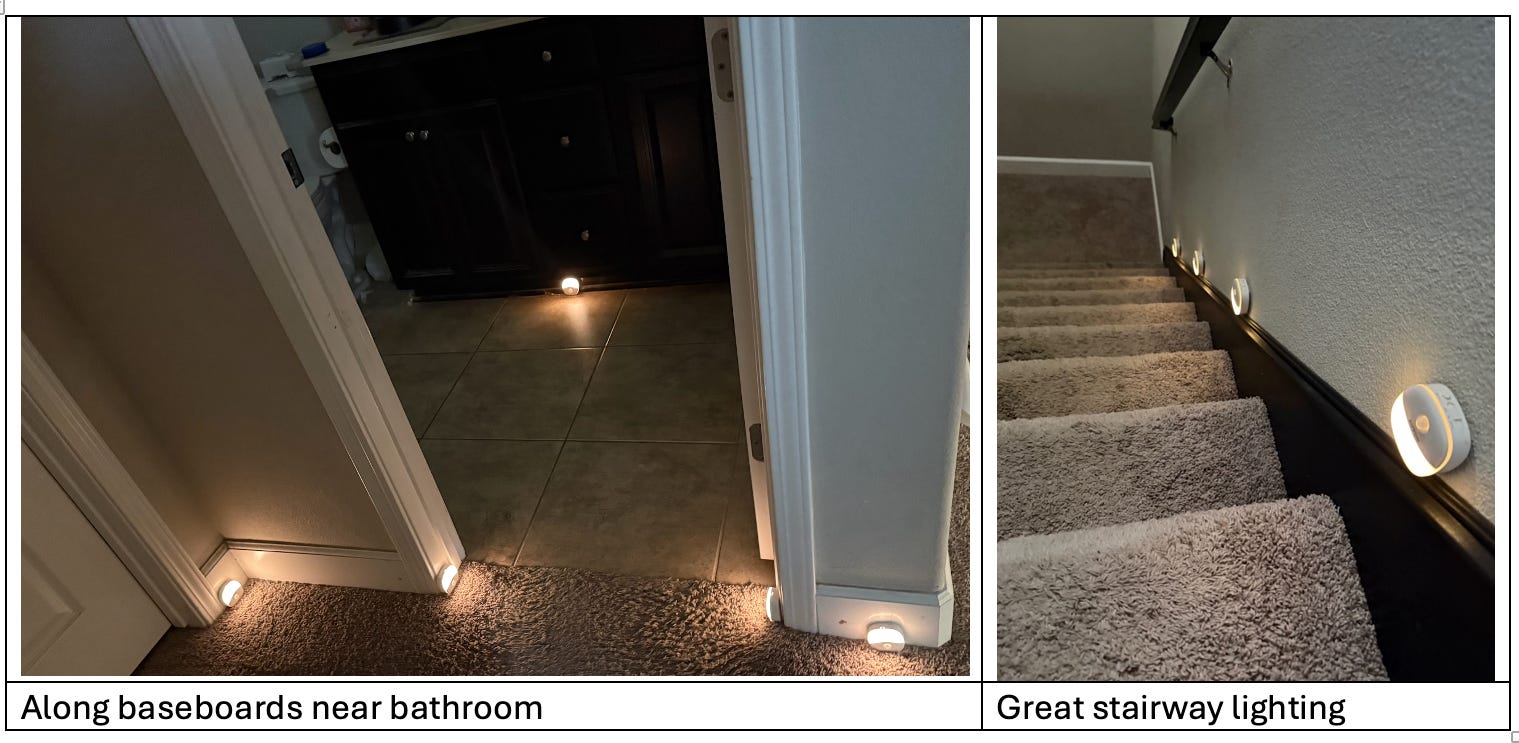
This made nocturnal visits to the bathroom and kitchen safer.
Here is a YouTube video explaining the setup
Note: Be careful if you use the included adhesive as it may damage the wall if you try to move it later. I lay my “pathway lights” on the floor so that I can reposition them if needed.
· Dimunt Reading light

This really helped my 99-year-old aunt read her magazines

This light with its long gooseneck and adjustable brightness and adjustable color with a remote control helps her read again.
For details see “Can’t Find Good Reading Light”
· Vansky Motion active bed exit light
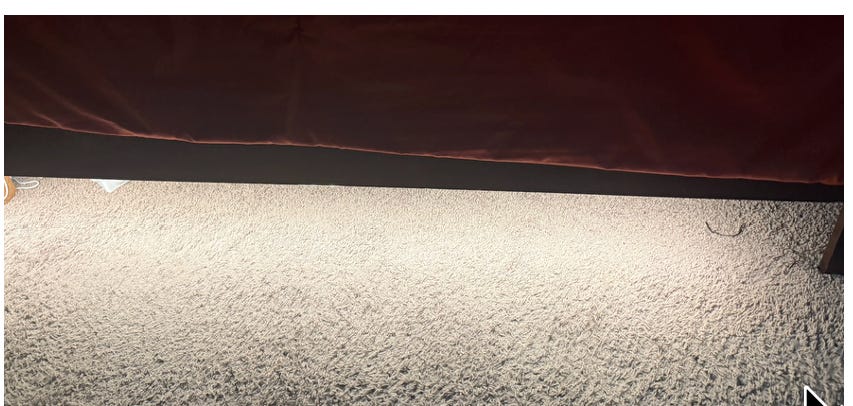
A nice bright light activated when it sees your feet that won’t disturb a bed mate.
· OriGlam Toilet seat position indicator light
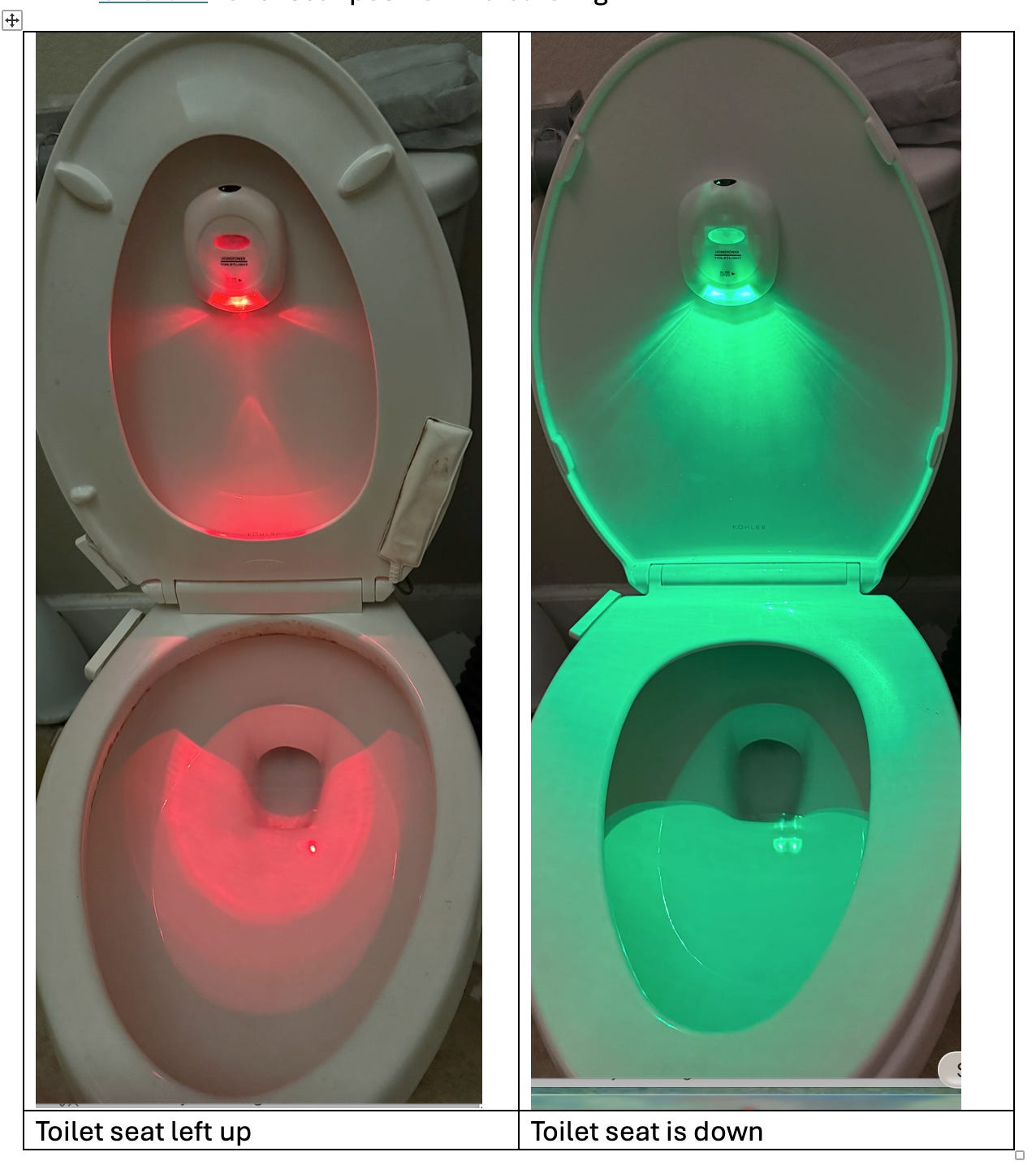
This can help solve some marital complaints. Even as a solo-ager I have found the toilet seat left up at 2AM!
· Emerson Voice controlled plug in lights - These require no setup at all… just plug them in
o Useful for voice control of floor lamps or bedside table lamps
§ Just say “Hey Emerson, Power On” or “Hey Emerson, Power Off”
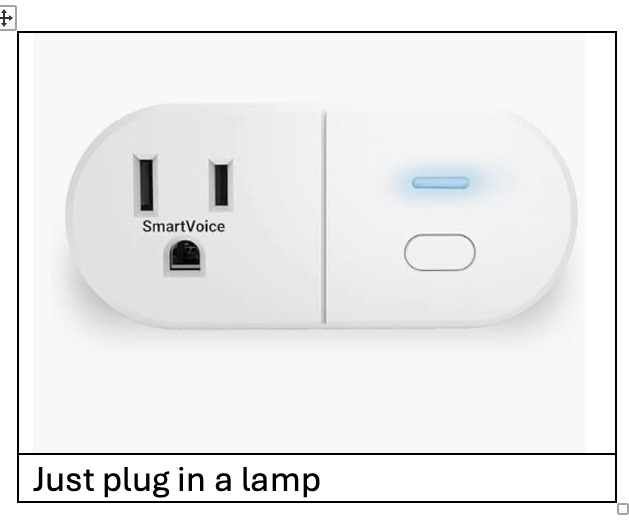
For more details see article #81“How to Set Up a Simple Smart Home with No Smartphone, No Apps, No Hub, and No Wi-Fi”
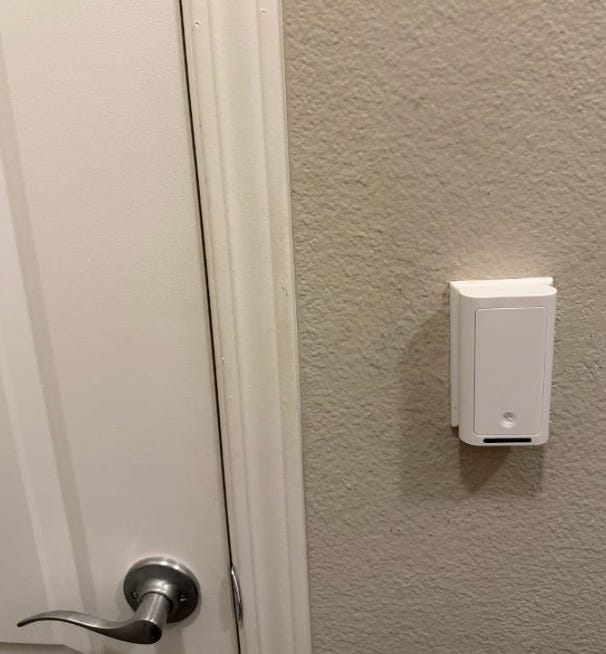
· Lotus Ring fingertip control of wall switched - These require no setup at all… just snap them on over wall switches
o Just tap the ring on your finger to control wall switches.
§ This can be useful for overhead lights and wall outlets that are controlled by a wall switch such as bedside lighting.
For details see article #52 “How to Control Wall Switches Without Using Apps or the Internet”
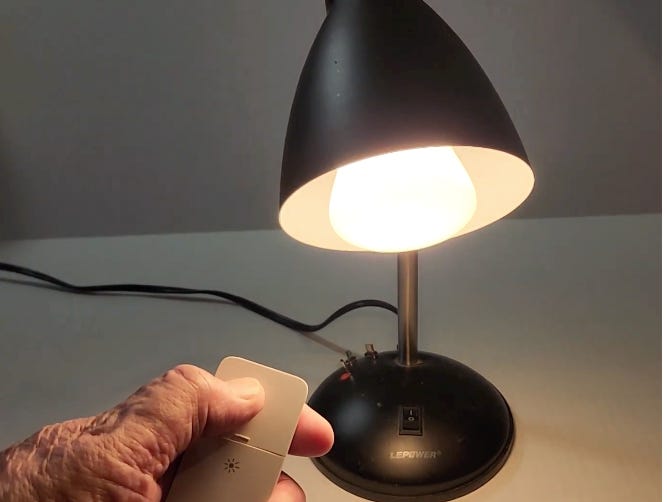
· Philips Hue button-controlled lighting
o Simple smart bulb control including dimming
For details, see article #1 “Simple Bedside Lamp Control”
Another innovative and creative article from Frank!
Thanks!